⛽💷 Did You Know? You Can Now Compare Petrol and Diesel Prices on Google Maps in the UK!
Learn how to compare petrol and diesel prices on Google Maps in the UK, find cheaper nearby filling stations and save money with Fuel Finder.
Auntie Tobi
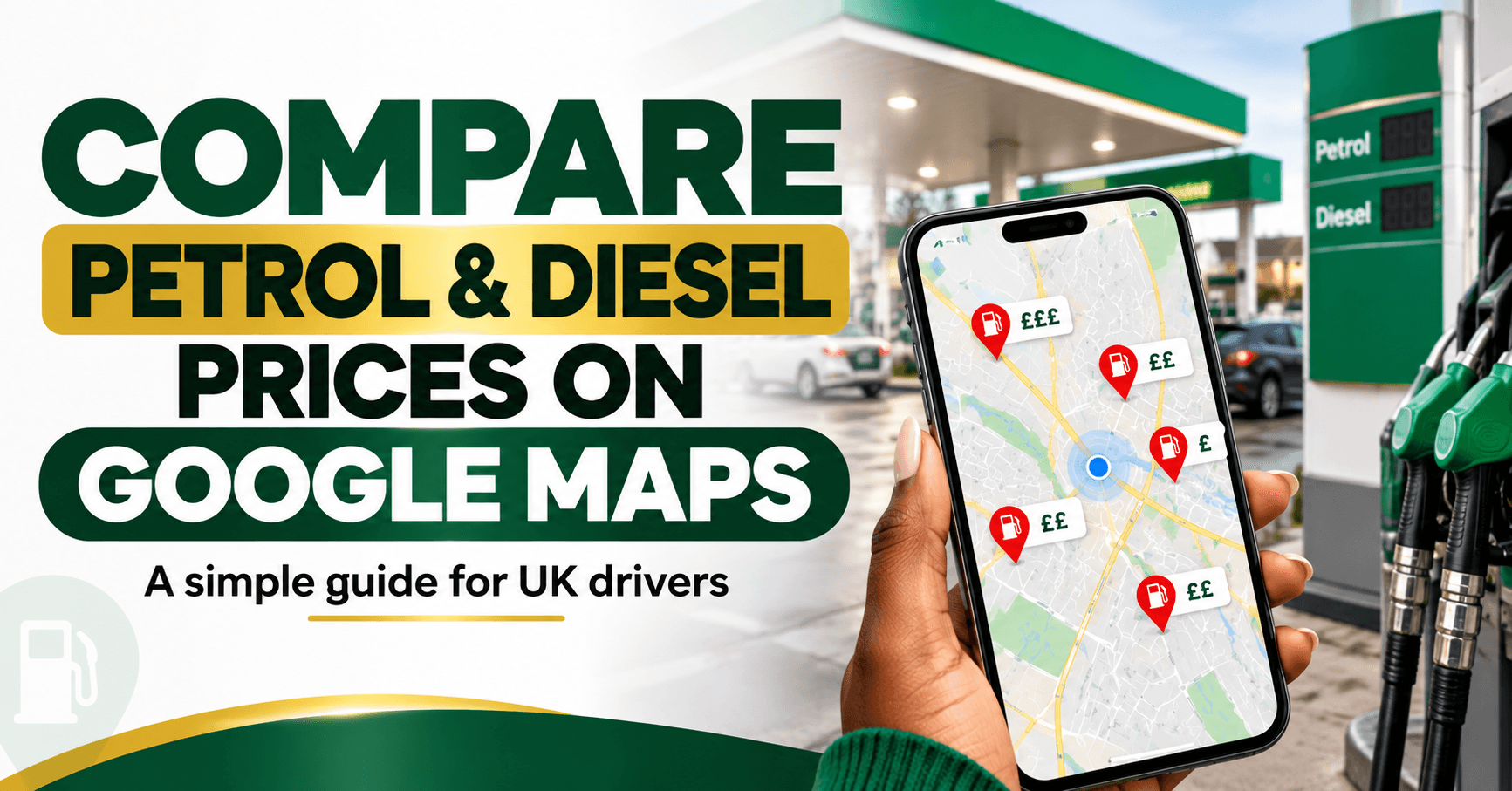
Drivers in the UK, here's something worth knowing before your next trip to the petrol station! 👀🚗
Have you ever filled up your car, driven a few minutes down the road and discovered another petrol station selling fuel for less?
Painful, isn't it? Especially when you've just filled the whole tank. 😂
Well, there's some useful news.
You can now compare petrol and diesel prices at nearby UK filling stations using Google Maps.
The feature officially launched in the UK on 8 October 2026, giving drivers an easier way to check fuel prices before deciding where to fill up.
And the good news? You don't need a separate paid fuel-comparison app to get started.
🚗 1. How to Check Petrol Prices on Google Maps
Here's a simple step-by-step guide.
Step 1: Open Google Maps
Open the Google Maps app on your phone.
Step 2: Search for petrol stations
Type “petrol stations near me”, “petrol” or “fuel” into the search bar.
Step 3: Look at nearby filling stations
Google Maps will show petrol stations in your selected area.
Where price information is available, you can see fuel prices associated with those stations.
Step 4: Compare petrol or diesel prices
Check the prices for the fuel your vehicle uses. You may need to select an individual station to view its available fuel types.
Step 5: Choose where to fill up
Compare the prices, distance and opening hours before deciding which station works best for you.
Remember to confirm the price displayed at the pump before filling up.
⛽ 2. You Can Check Diesel Prices Too
This isn't just for petrol drivers.
Google confirms that the feature supports both petrol and diesel prices, with information about the different fuel types offered at a station.
That's useful because a filling station offering cheaper petrol isn't necessarily the cheapest option for diesel.
Make sure you're comparing the correct fuel type.
💷 3. How Much Could You Save?
Sometimes, a small difference in fuel prices can make a noticeable difference.
Let's use a simple example.
Imagine two petrol stations:
Station A: 150p per litre
Station B: 145p per litre
That's a difference of 5p per litre.
If you're buying 50 litres:
Station A costs £75.
Station B costs £72.50.
You save £2.50 on that fill-up.
If you make that same saving twice a month, that would add up to £60 over a year.
Of course, this is only an illustration. Actual savings depend on local prices, how much fuel you buy and whether reaching the cheaper station costs you extra time or fuel.
The UK Government estimates that greater fuel-price transparency through its Fuel Finder scheme could help car-owning households save an average of around £40 a year. This is an estimate, not a guaranteed saving for every driver.
🇬🇧 4. Why Is Google Maps Showing UK Fuel Prices Now?
The new feature is connected to a UK Government initiative called Fuel Finder.
Fuel Finder collects petrol and diesel prices from filling stations across the country and makes that information available to services that help drivers compare prices.
Under the scheme, UK petrol stations are required to report price changes within 30 minutes.
Google Maps and Waze now use this information to help drivers see nearby prices more easily.
The aim is to make fuel prices more transparent and encourage competition between retailers.
📱 5. You Can Also Use Waze
If you prefer Waze for navigation, there's good news.
Google confirmed that the fuel-price feature is also available through Waze in the UK.
Search for “petrol” or “fuel” to explore nearby filling stations and their available prices.
This gives drivers another option for comparing fuel costs.
⚠️ 6. Are the Prices Always Accurate?
This is important.
Although the information is designed to be near real-time, a displayed price may occasionally differ from what you see at the pump.
For example, a station may have recently changed its prices, or a particular fuel type may not be displayed.
So remember:
The price on Google Maps is useful for comparison, but the price displayed at the filling station should be checked before you buy.
If you notice incorrect information, the government's Fuel Finder service provides a way to report discrepancies.
💡 7. More Ways to Spend Less on Fuel
Comparing fuel prices is a good start, but here are a few other practical habits worth considering.
Check prices before leaving home. You might discover that a station along your normal route is cheaper.
Don't drive unnecessarily far for a small saving. Spending extra fuel to save a few pence per litre may cancel out the benefit.
Compare the correct fuel type. Check petrol, diesel or the specific grade your vehicle requires.
Combine journeys where practical. Planning errands together can reduce unnecessary driving.
Keep your vehicle properly maintained. Appropriate tyre pressure and regular maintenance can help avoid unnecessary fuel consumption.
The aim isn't to spend your whole day searching for the cheapest petrol station.
It's to make more informed choices without adding unnecessary hassle.
💚 Auntie Tobi Says
Sometimes, saving money isn't about making one big change.
It's about knowing where to look before you spend.
If Google Maps can help you compare fuel prices before filling up, why not make use of it?
A few pence per litre might not look like much, but small savings can add up.
So next time your fuel gauge starts moving towards empty, try checking nearby petrol stations on Google Maps before setting off.
And please, don't drive ten extra miles just to save 50p. 😂💚
SAVE this guide and SHARE it with someone who drives in the UK!
Already tried the new feature?
Did Google Maps help you find cheaper fuel? Let us know! 👇🏾
Official sources
Google — Find UK Fuel Prices with Google Maps and Waze
https://blog.google/company-news/inside-google/around-the-globe/google-europe/united-kingdom/google-maps-waze-fuel-prices-uk/
GOV.UK — Drivers Set to Save as Petrol Prices Launch on Google Maps
https://www.gov.uk/government/news/drivers-set-to-save-as-petrol-prices-launch-on-google-maps
GOV.UK — Fuel Finder
https://www.gov.uk/government/collections/fuel-finder
Last fact-checked: 14 October 2026.
This article provides general information. Fuel prices, availability and displayed app features can change.



Comments(0)